Supercharge APEXlang

United Codes, Live!

Philipp Hartenfeller

| Online

APEXlang & 26.1

APEX 26.1 is here 🎉

  • The long-awaited 26.1 release ships APEXlang
  • The native, human-readable text export format for APEX apps
  • Your application as a set of structured .apx files

Why this is a big deal

  • One of the biggest shifts in APEX's history
  • We can finally version-control our apps (git diff, review, merge)
  • We can edit apps as files — no Builder required
  • Apps become real, reviewable source code

Big in the age of AI

  • Coding agents work on files
  • If an app is just files → agents can create & modify it
  • Generate pages, regions, business logic from natural language
  • ...in theory. 🤔

The Challenge

The catch

  • APEXlang is brand new in 26.1
  • The big LLMs have not been trained on its syntax
  • Ask an agent to build an APEXlang app cold → it guesses → broken files
  • We need to teach the model the language

Skills

  • The official skills repository: github.com/oracle/skills
  • Synced via SQLcl 26.1.2 into an .agents/ folder
  • A large set of skills teaching the agent APEXlang / DB / PL/SQL syntax & structure
  • Kept in sync with each APEX release
  • And it works!

But it's inefficient

  • Every new agent session has to re-read all those skills
  • The agent must learn the language from scratch — every time
  • Then it hand-crafts each .apx file, line by line
  • ➡️ lots of tokens
  • ➡️ slow
  • ➡️ bug-prone (handwriting is error-prone)

A Better Way:
uc-apx

Think: the Create Page Wizard

  • You don't hand-write the page
  • You answer a few questions:
    • Type? → Interactive Grid
    • Which table? → EMP
    • Editable? → Yes
    • Add to breadcrumb? → Yes
  • All generated correctly
  • What if we would have the same – but for agents.

The idea

  • Don't make the agent learn the language every session
  • Give it a tool instead
  • The CLI just needs the right parameters
  • ...and writes parameterized, pre-validated templates
  • (uc-apx ships a few thin skills too — but they just point the agent at the commands, not at hundreds of syntax docs)

What uc-apx does: Read

Read any part of an exported app:


What uc-apx does: Scaffold & Validate

Scaffold constructs and verify the result:


Why agents love it

  • Single static binary — no runtime, no Node, no Python
  • Compact output (JSON/TOON) — cheap for the agent to read
  • The agent calls a tool with parameters — it never writes raw syntax
  • It creates the whole stack: Form + Items + Fetch + CRUD + Buttons

Benchmark

The setup

  • Build a FIFA World Cup 2026 APEX app — from just a schema
  • Browse teams/groups/venues/schedule, drill into squads, submit predictions, leaderboard
  • Same model both runs: Claude Sonnet 4.6
  • uc-apx  vs  Oracle APEXlang Skills
  • Validate gate: not done until the app validates cleanly

Bench 1: Create the app

uc-apx APEXlang Skills
Time 10:47 min 22:36 min
Context 85.3K 160.1K
Output tokens 26,569 63,201
Cost $1.91 $4.17

~2× faster · ~2× cheaper · less than half the output tokens

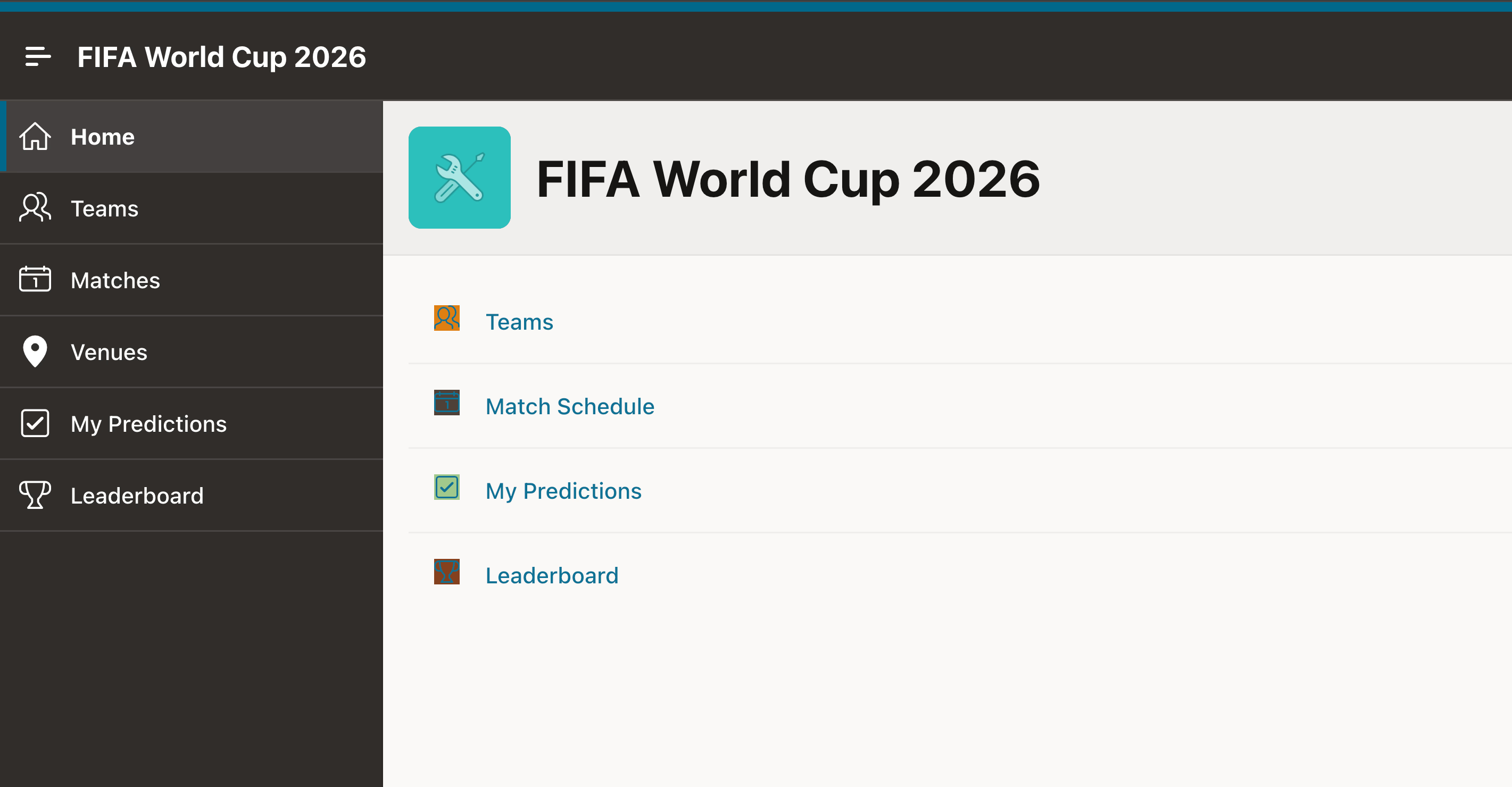
Bench 1: Home

APEXlang Skills

uc-apx

Bench 1: My Predictions

APEXlang Skills
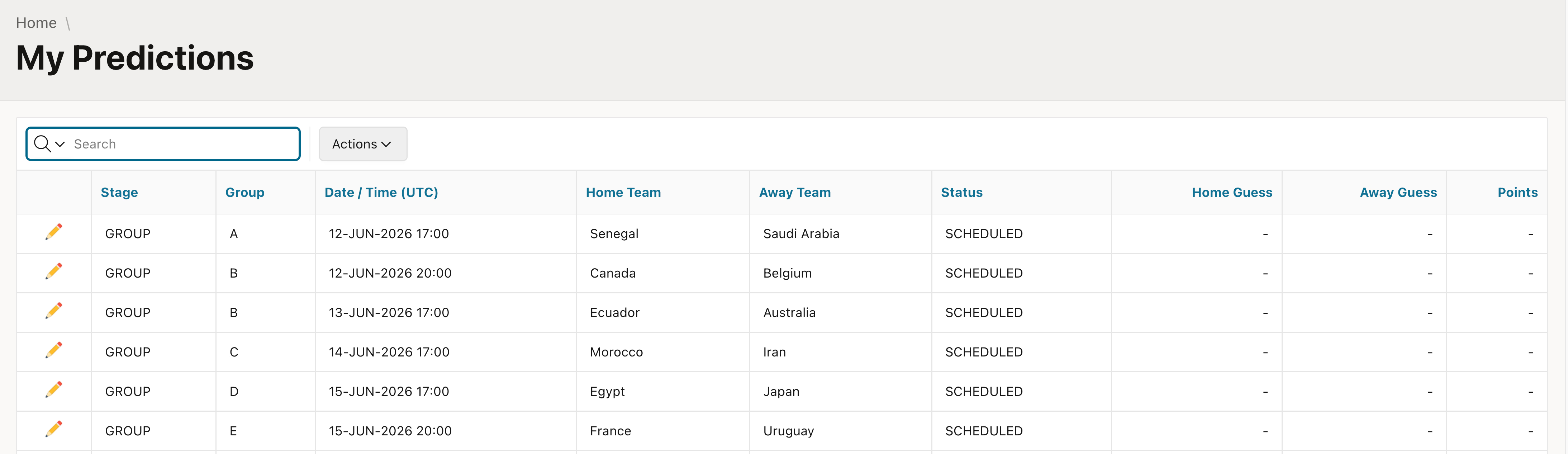
uc-apx
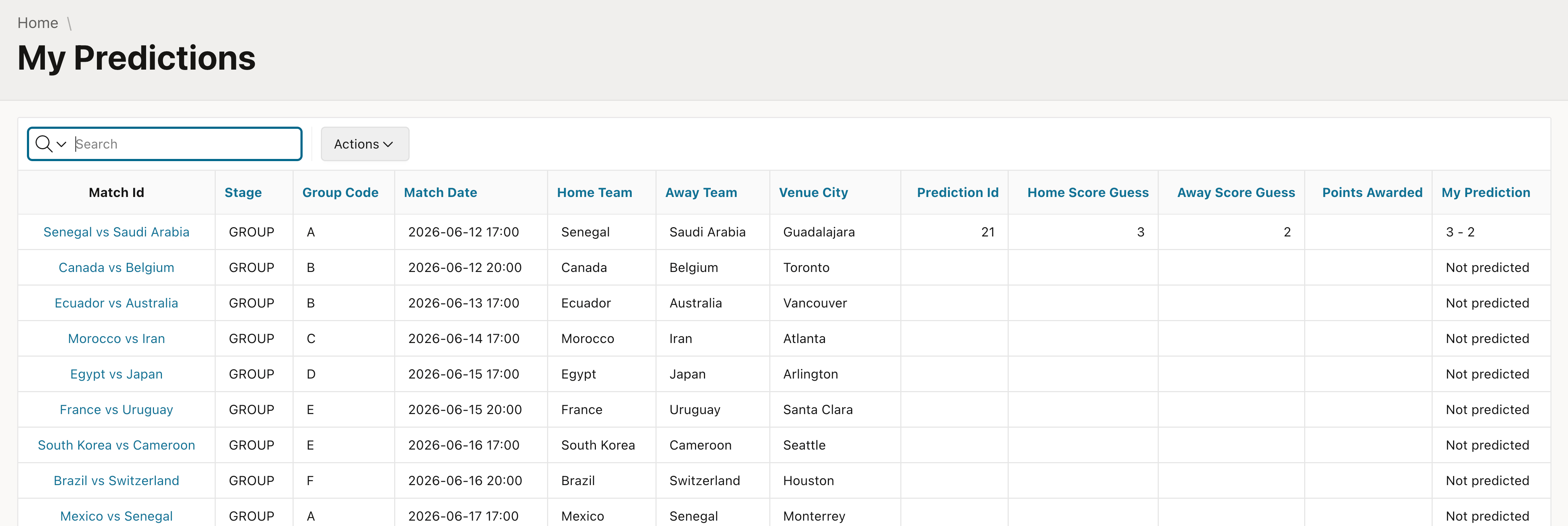
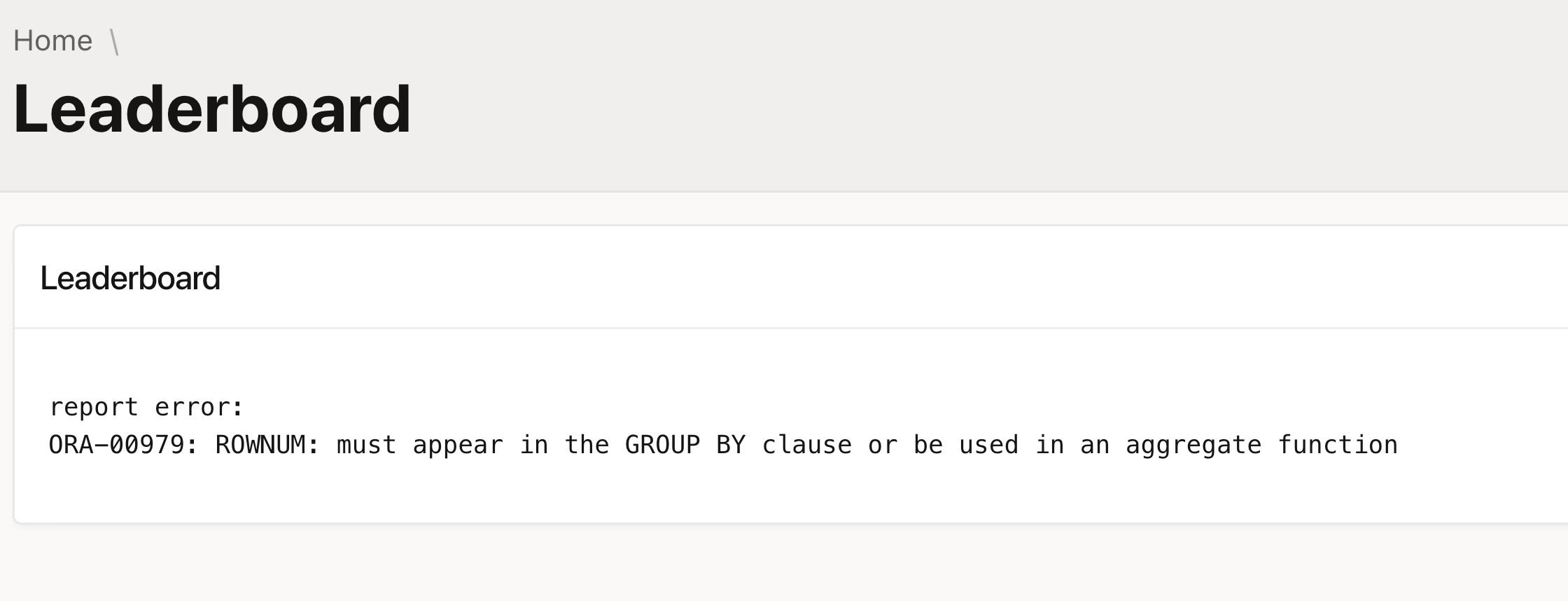
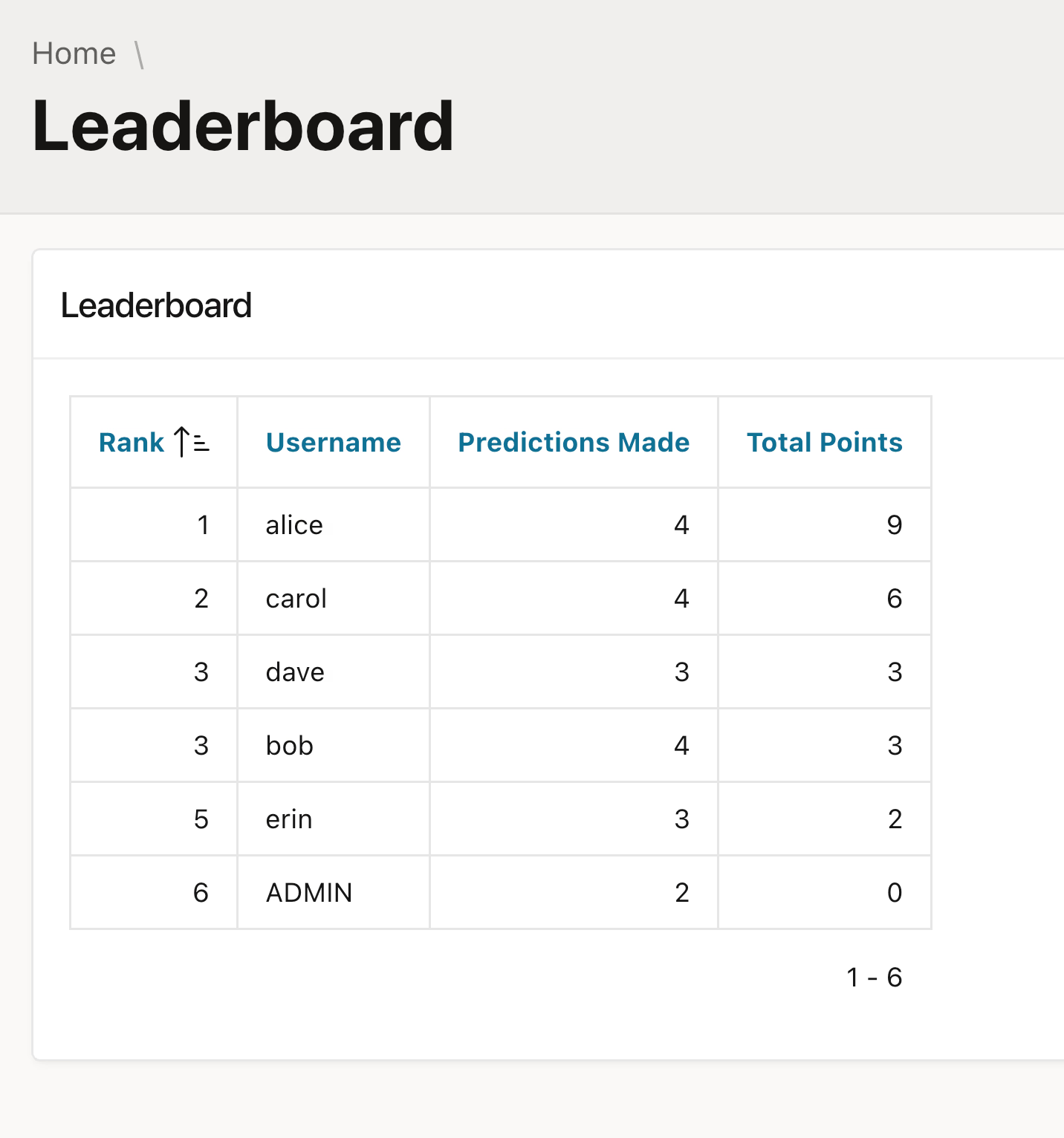
Bench 1: Leaderboard

APEXlang Skills
uc-apx
Quality matters too

The Skills run shipped a bug on the predictions page — a SELECT with no INTO. Had to be hand-fixed:

❌ Generated (broken)


✅ Fixed by hand


Bench 2: Modify the app

Add metric cards to home + two admin pages (edit match results, see all predictions)

uc-apx APEXlang Skills
Time 4:46 min 12:11 min
Context 66.6K 127.1K
Output tokens 12,246 41,145
Cost $0.81 $2.02

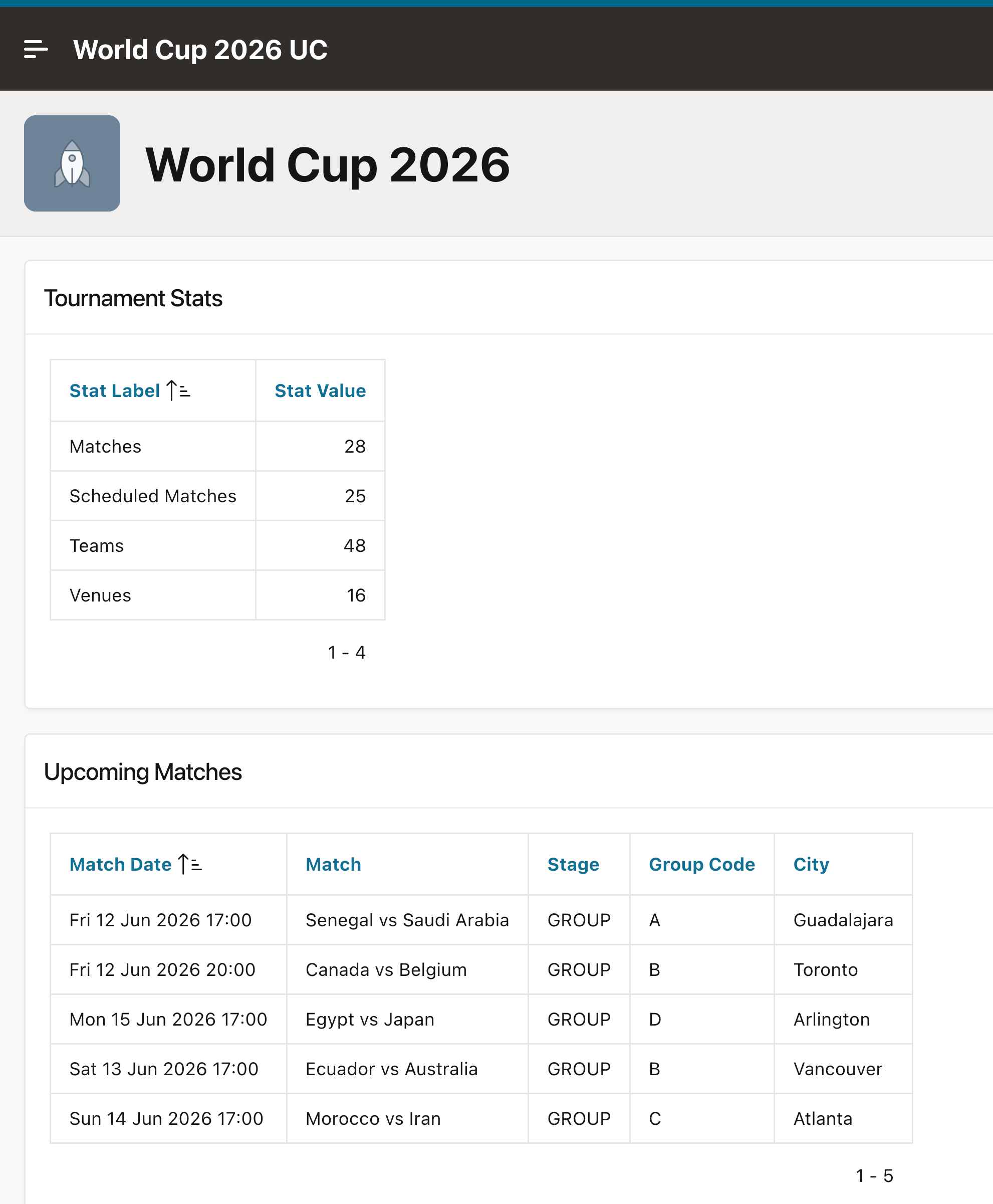
Bench 2: Home with metric cards

APEXlang Skills
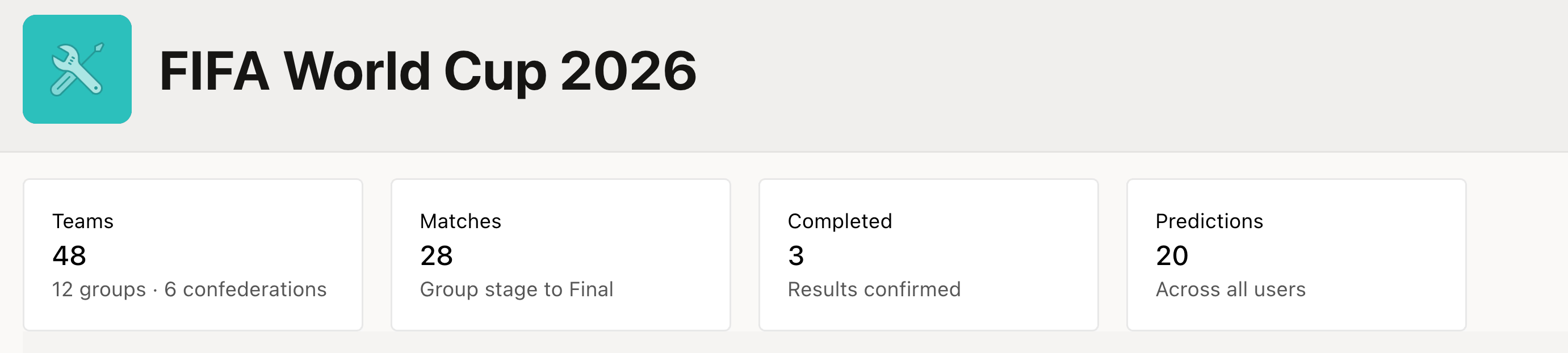
uc-apx
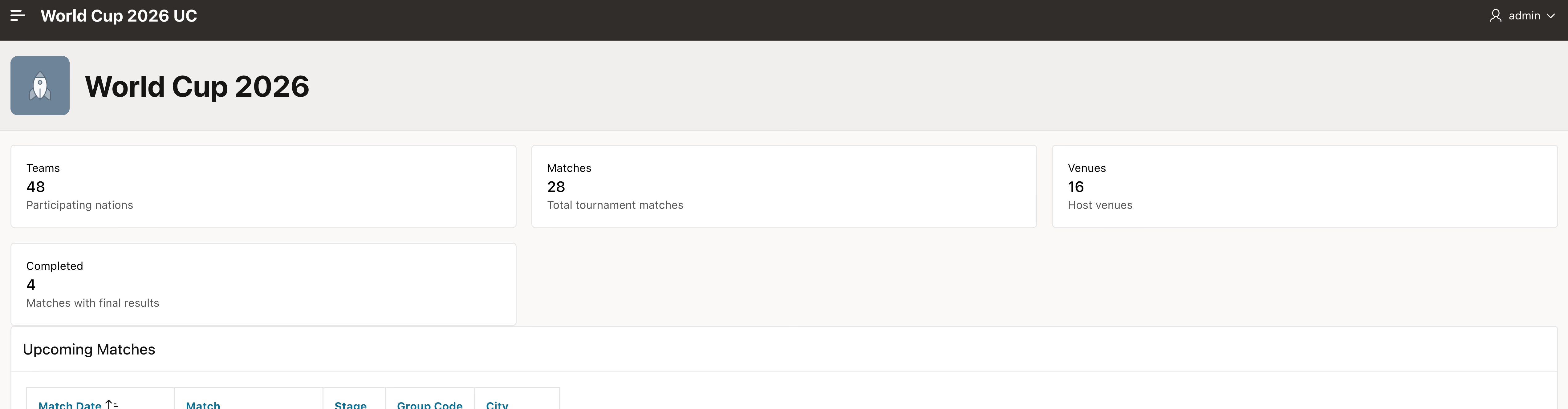
Bench 2: Edit Match Results

APEXlang Skills
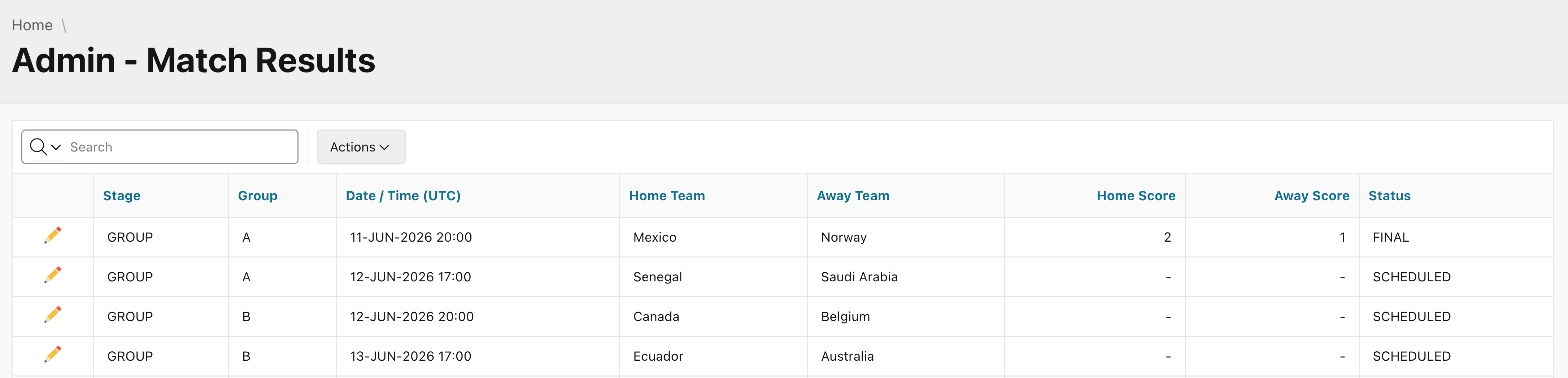
uc-apx
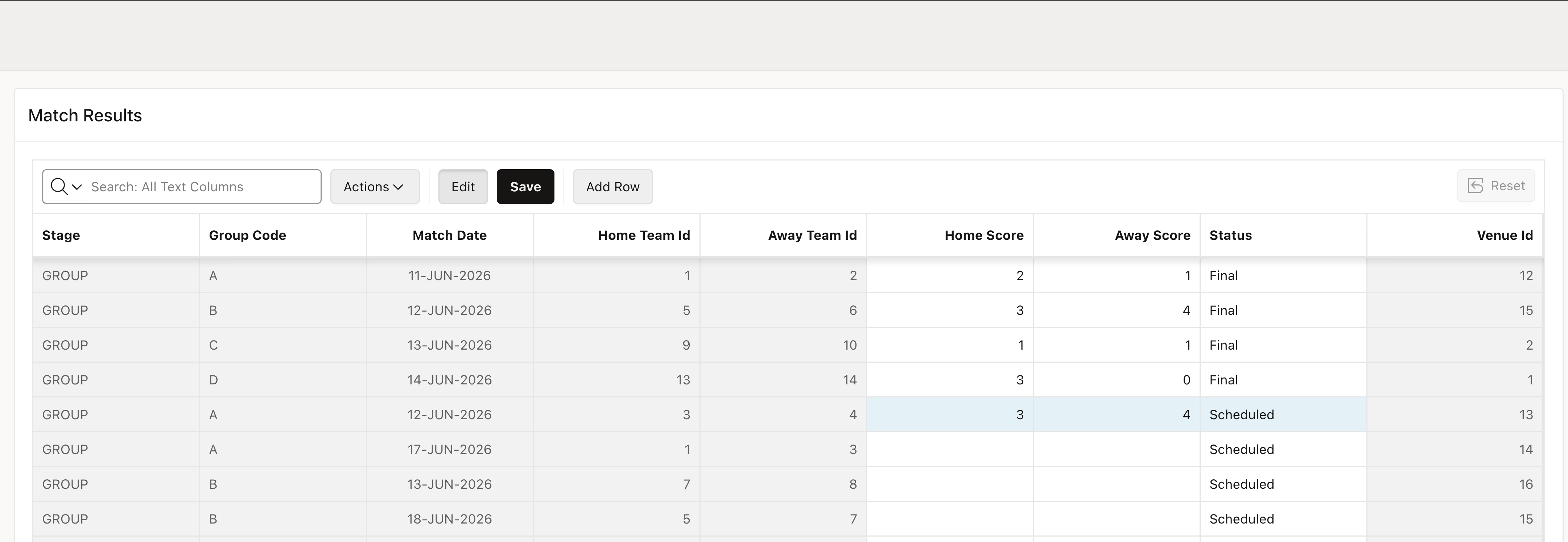
Bench 2: All Predictions (admin)

APEXlang Skills
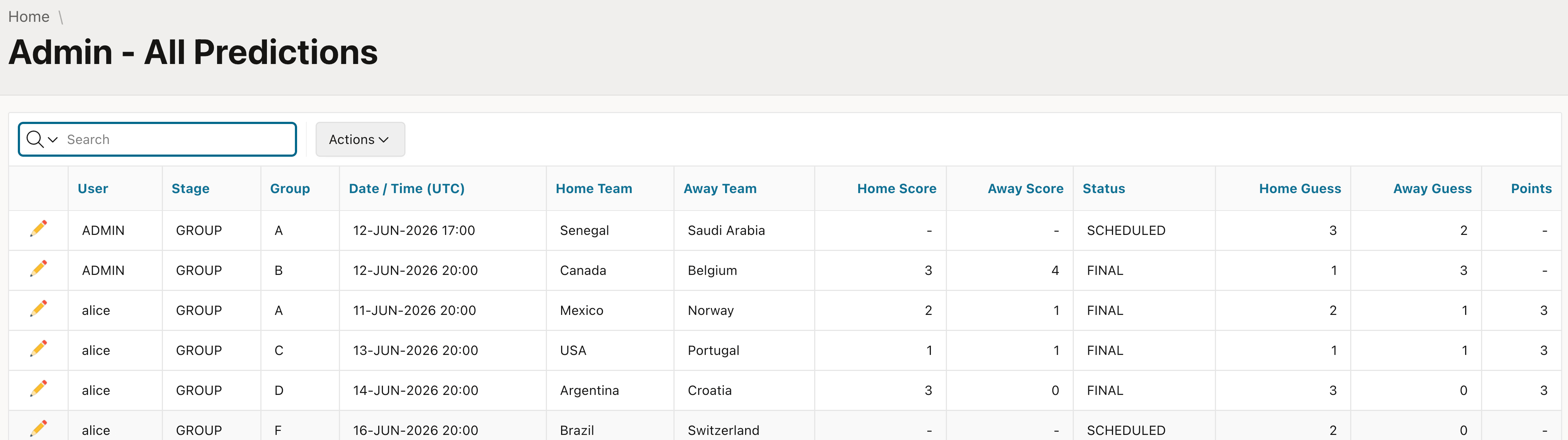
uc-apx
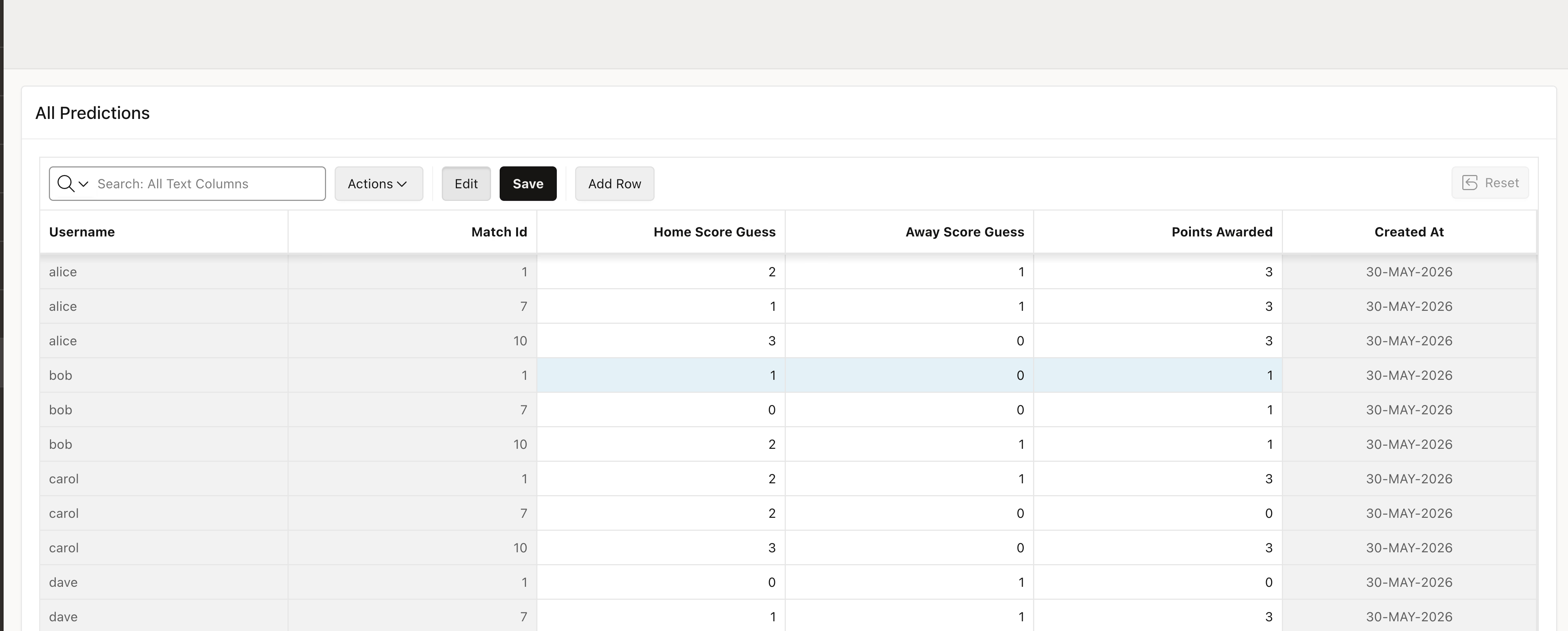
Takeaway

  • ~2× faster
  • ~2× cheaper
  • Less than half the tokens
  • A tool beats re-teaching the language every session

uc-apx is limited

  • Not the whole feature set supported (yet)
  • Fine details (changing niche attributes) don't work well with the templated approach
  • Styling probably better with Skills (overall understanding required)

Your input makes the biggest difference

  • What you prompt matters the most
  • The better context you give of what you want, the better the results
  • Don't be too ambitious, multiple iterations are better than one giant task
  • Be creative

Get uc-apx

  • GitHub: github.com/United-Codes/uc-apx
  • Single static binary — drop it on your PATH
  • Point it at your app: uc-apx --app-dir my-app overview
  • Wire it into your agent: uc-apx skills sync + a line in CLAUDE.md
  • We're offering paid support

Q&A

Thank you!

philipp@united-codes.com